
 Train by Sunday Stack
Better training for the people who serve.
Give volunteers a clear path to learn their roles, build their skills, and serve with confidence.
Have a code from your church? Join your team →
First used at
- Southern HillsChurch · Las Vegas
Sound familiar?
“Wait, has he even shadowed yet?”
Someone new gets a headset five minutes before service, and everyone hopes for the best.
See the same week in Train.
- Mike
who’s training Grace on lyrics this week?
- Sarah
not me, I’m on camera both services
- Jess
wait, has Daniel even shadowed camera yet?
- Mike
no clue. he’s on camera 2 Sunday though
- Tom
so we’re just throwing him in?
- You
who said he was ready??
- Grace Lin · Slides OperatorRead the lyrics guide. Shadowing Mike at the 11:00 on Sunday.
- Daniel Reyes · CameraHands-on done. Sarah signs him off Sunday at 9:00.Ready to sign off
- Lyrics guideOne copy, attached to the Slides Operator path. Grace already has it.
- On the Planning Center planDaniel, Sunday 9:00, camera 2. Nobody had to ask.
Same team, same Sunday. Everyone can see what’s next.
How it works
Pick a position. Walk someone through it.
Every position gets the same steps. You set them up once.
- 1Join
- 2Learn
- 3Shadow
- 4Hands-on
- 5Certified
Daniel joins with your Production code
He types in the code with his name and email. One of the team’s leaders confirms him, and he’s on the team.
For leaders
You’ll always know who’s ready.
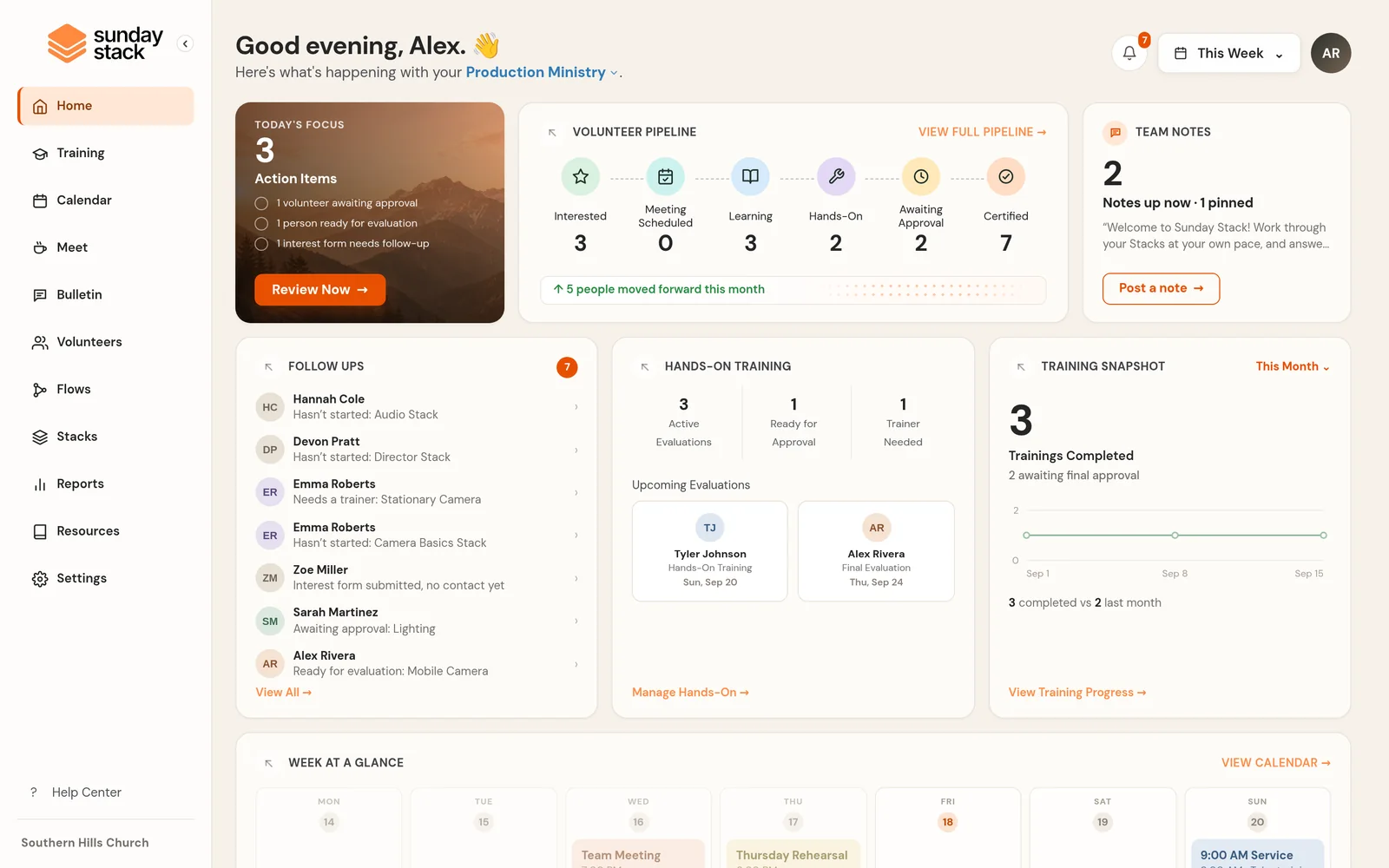
Everyone’s training, in one place.
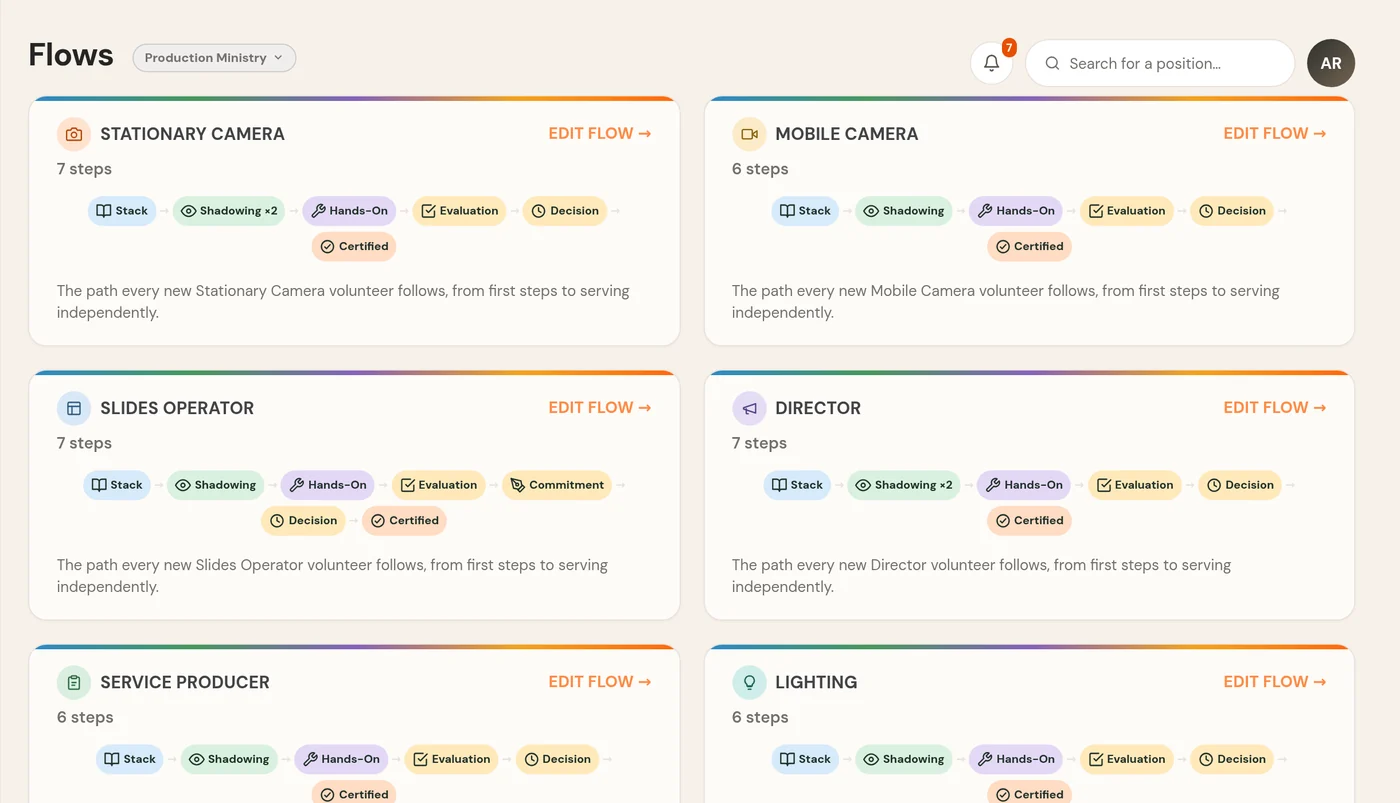
Flows
Set up each path once.
- Put the steps in your order
- Their lessons are assigned as they get there
- A leader signs off at the end
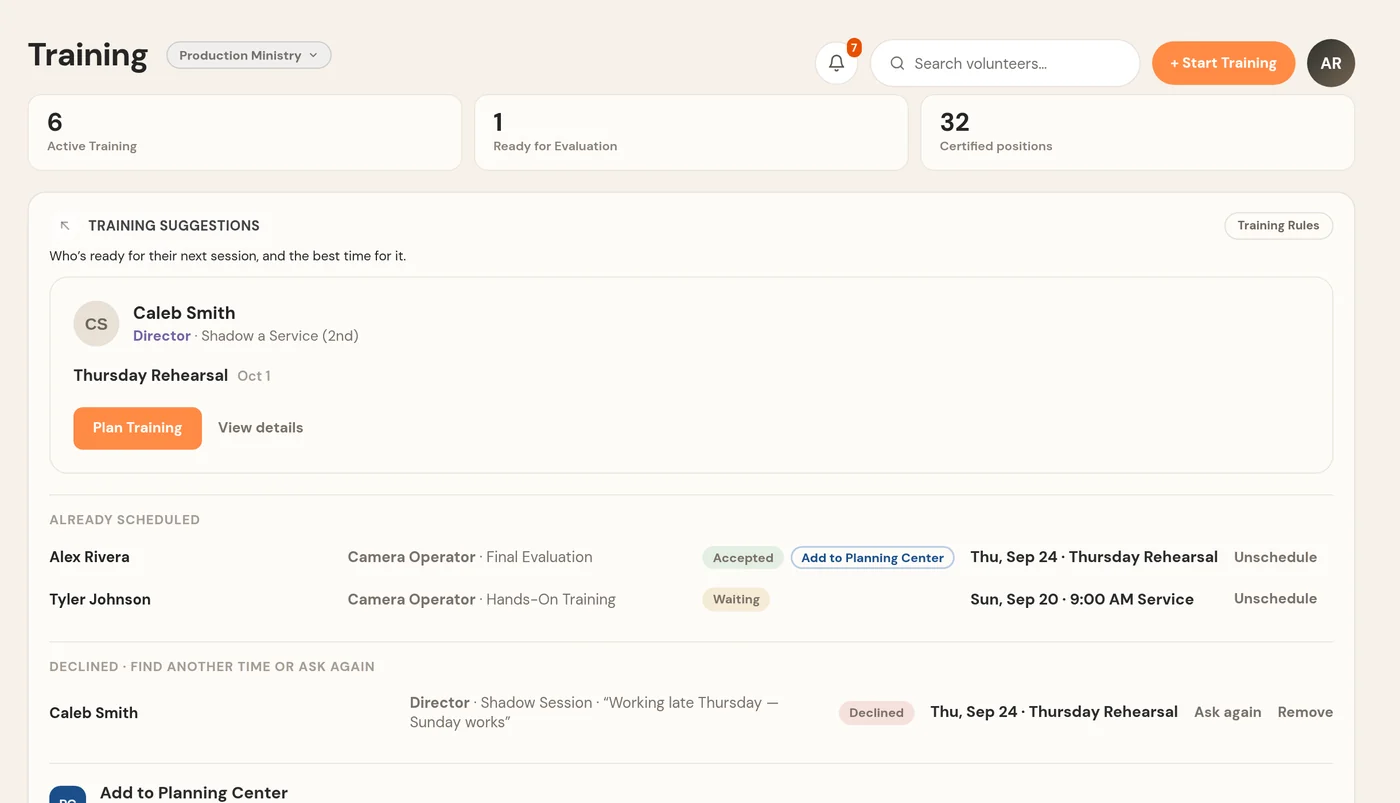
Training
Get training on the calendar.
- Suggestions for who’s ready next
- They say yes or no from their phone
- After Sunday, one question: did it happen?
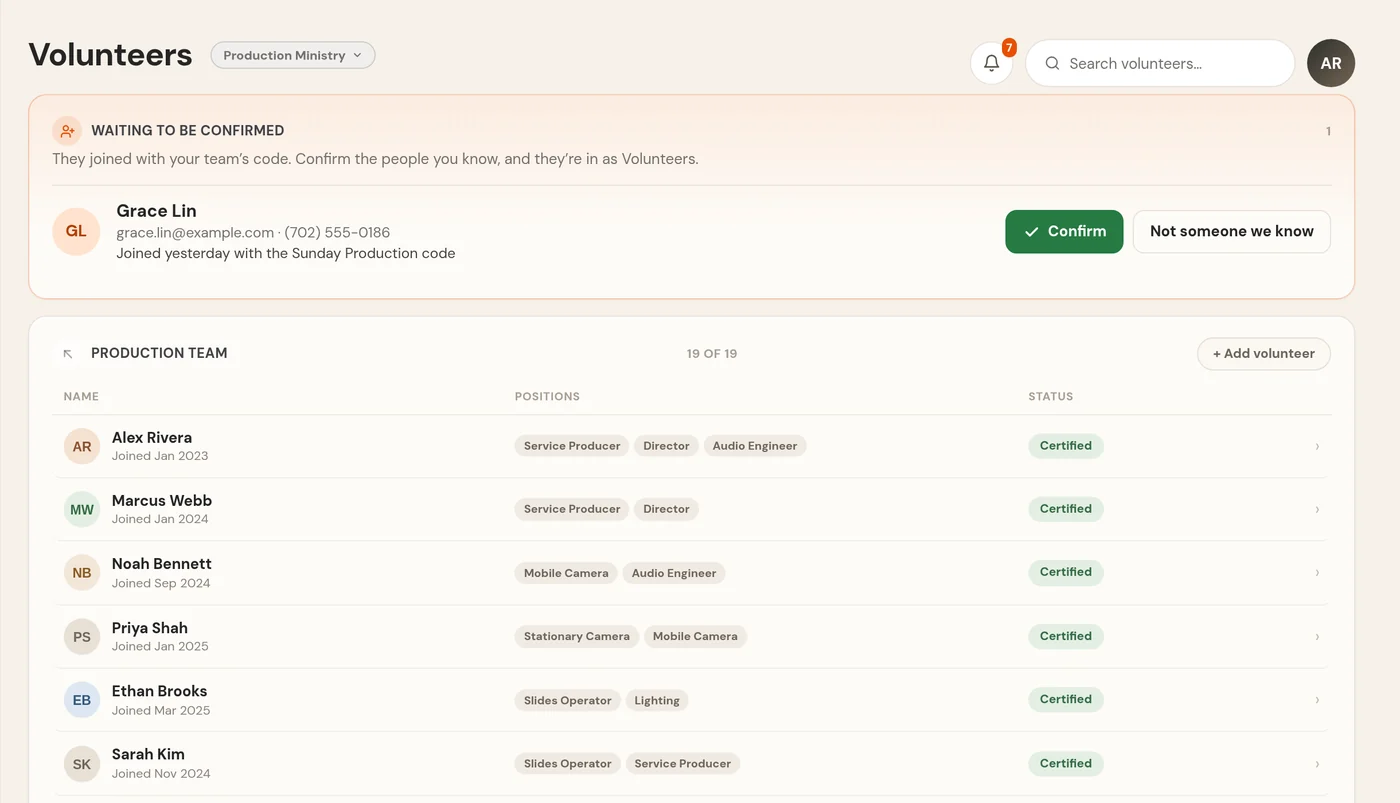
Volunteers
See where everyone is.
- Everyone from interested to certified
- Follow-ups, so nobody slips through
- Trainers see the people they train
Meet
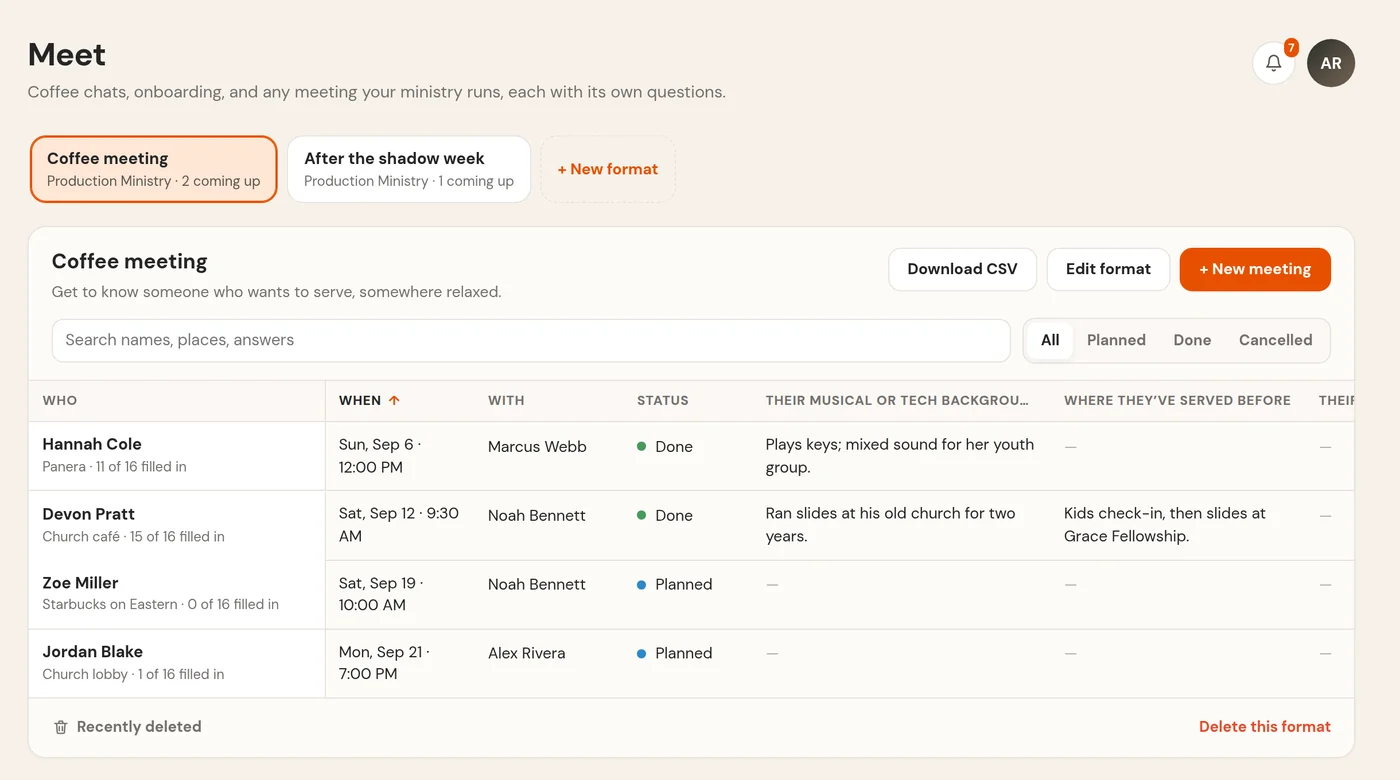
Keep notes from every coffee.
- Your own questions, filled in as you talk
- Start from a template or your spreadsheet
- Every meeting in one table
Bulletin
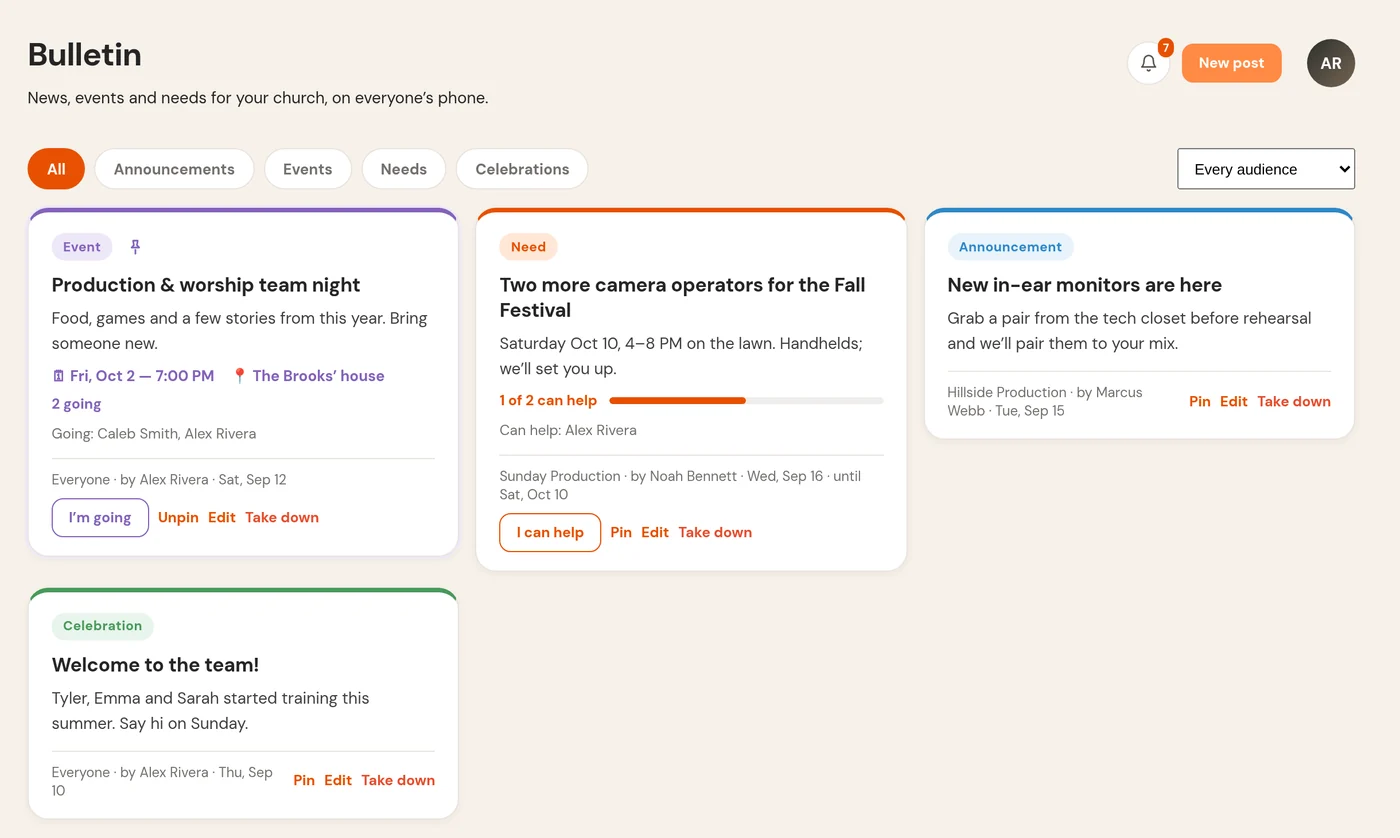
Post news where your team will see it.
- For the whole church or one team
- “I’m going” and “I can help” in one tap
- Volunteers can post too, if you let them
For volunteers
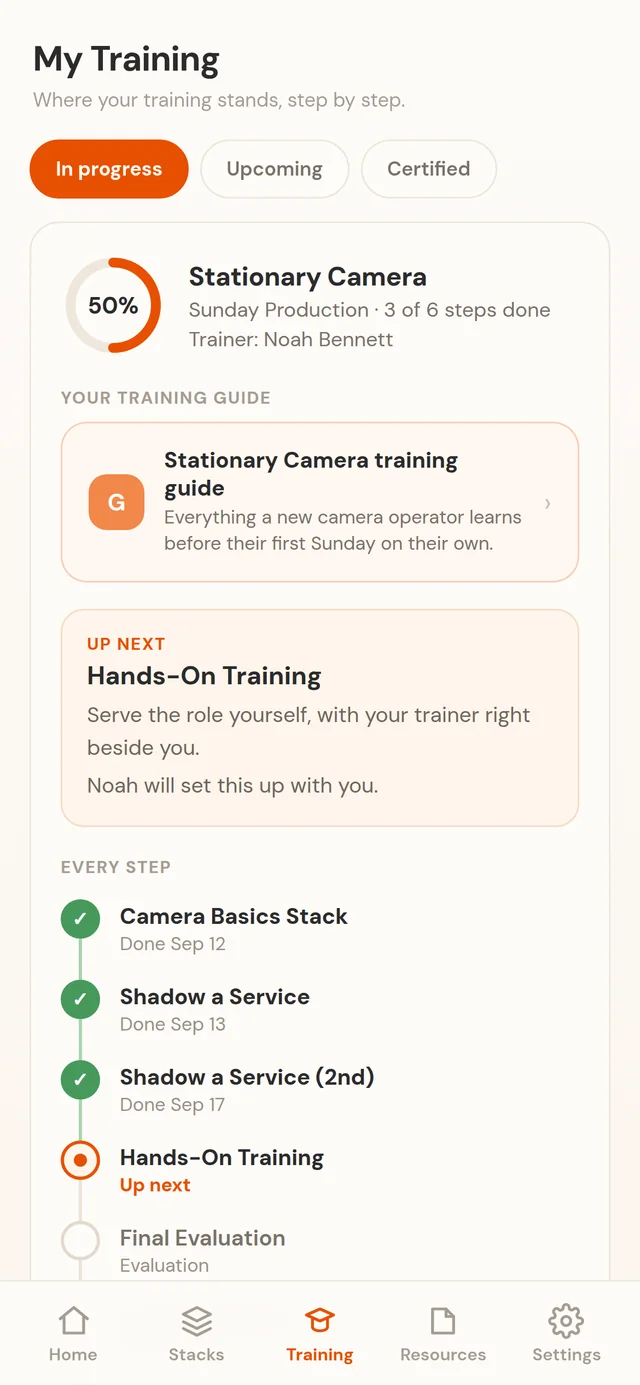
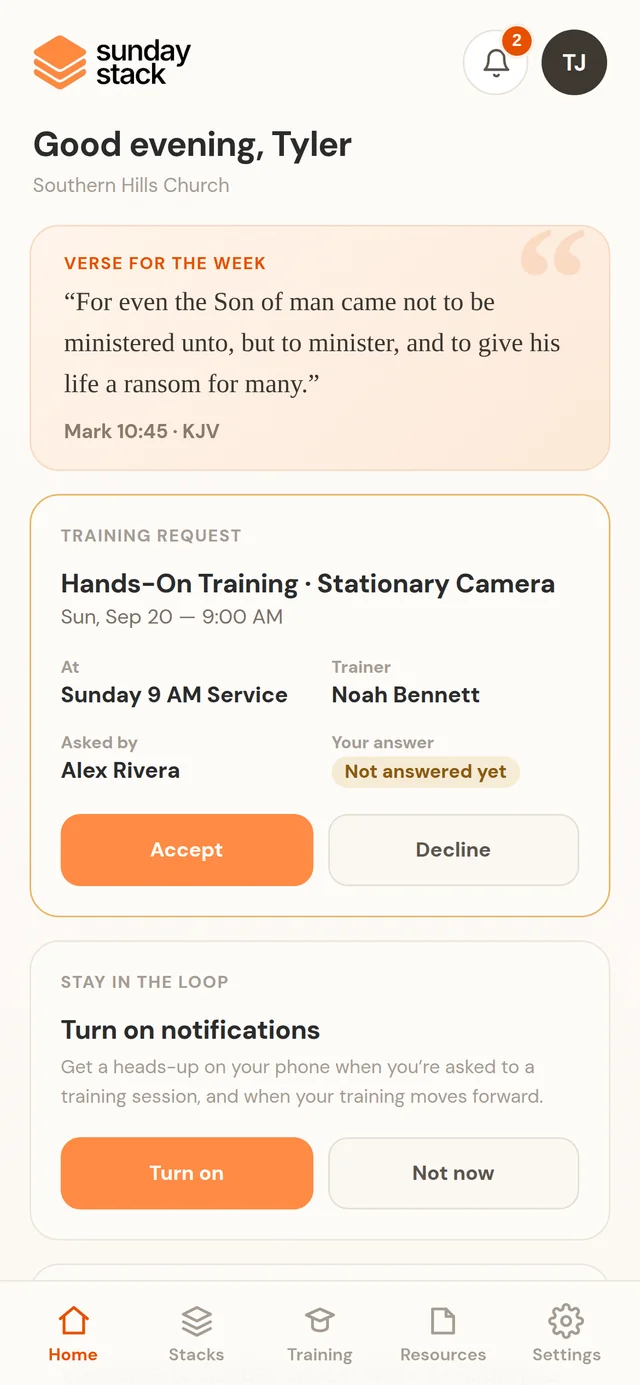
For volunteers, it’s all on their phone.
No download, no password. Try a Stack yourself.
Question 1 of 3
What is the main goal of a camera operator during a service?
Try a StackReal questions from the Camera Operator lessons
- No app storeIt opens in their browser.
- A yes or noOne tap to answer a request.
- Their own paceA few minutes at a time.
- Just their stuffTheir training, nobody else’s.
And the rest
What else is in there.
Who’s scheduled, and the lessons for what they serve.
Sign people off on a position, or on the switcher.
Your SOPs and guides, right in their training.
Requests and news, right on their phone.
Everyone sees what fits their role.
Kids, worship, guest services and more, each with its own code.
Your best volunteers can train the next ones.
Each church’s data stays its own. Privacy
Questions
Things people ask.
Do volunteers need to download an app?
No. It runs in the browser on any phone, and they can add it to their home screen.
How do new people join?
Each team has its own code. They type it in with their name and email, and a leader confirms them.
Do we have to write all the training ourselves?
No. Lessons for camera and worship come with it, with more ministries on the way. For any team, add your own guides.
Does it work with Planning Center?
Yes. It reads who’s scheduled, and reminds you to add trainees to the plan.
Who can see what?
Volunteers see their own training. Leaders see their teams, and admins see the whole church.
Is it only for production and worship?
No. Kids, students, guest services, worship, production: any ministry where volunteers learn a role before they serve.
How do we get it for our church?
Tell us about your church and we’ll get you set up. Bring Train to your church
Built inside a church, for churches
Somebody new wants to help?
Give them a clear path from day one.